The QA copilot for AI-speed teams
AI writes the code.
Lupin keeps it shippable.
It reads every test run, spots what broke, and fixes the obvious in one click.
Release 2.4.0release/2.4
Blocked- Browser tests2 of 148 failedFailed
- Flakycheckout › basket refreshQuarantined
- API contract312 of 312 passedPassed
- Security scanno scanner connectedNot configured
It already knows what to show you.
Explore the product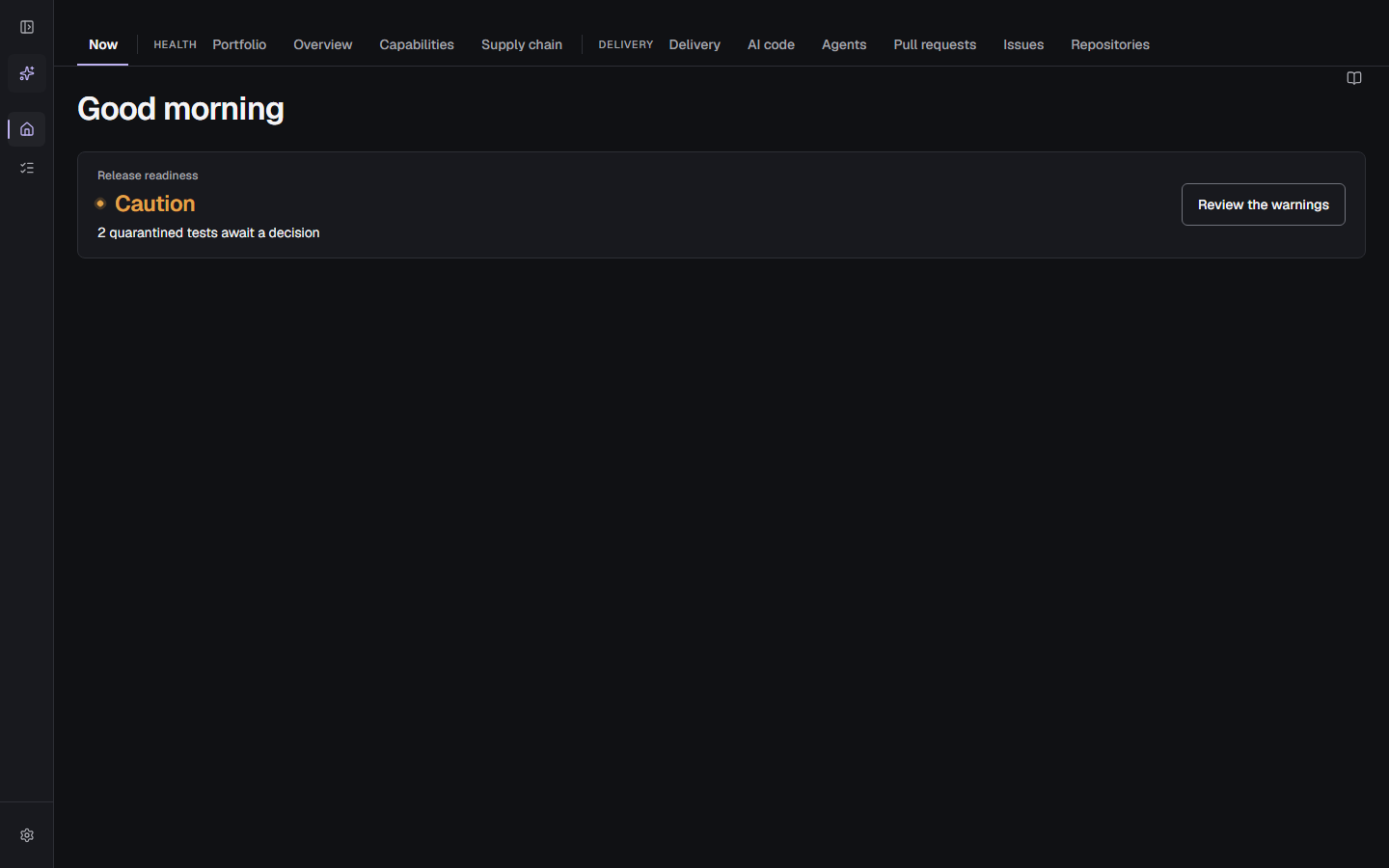
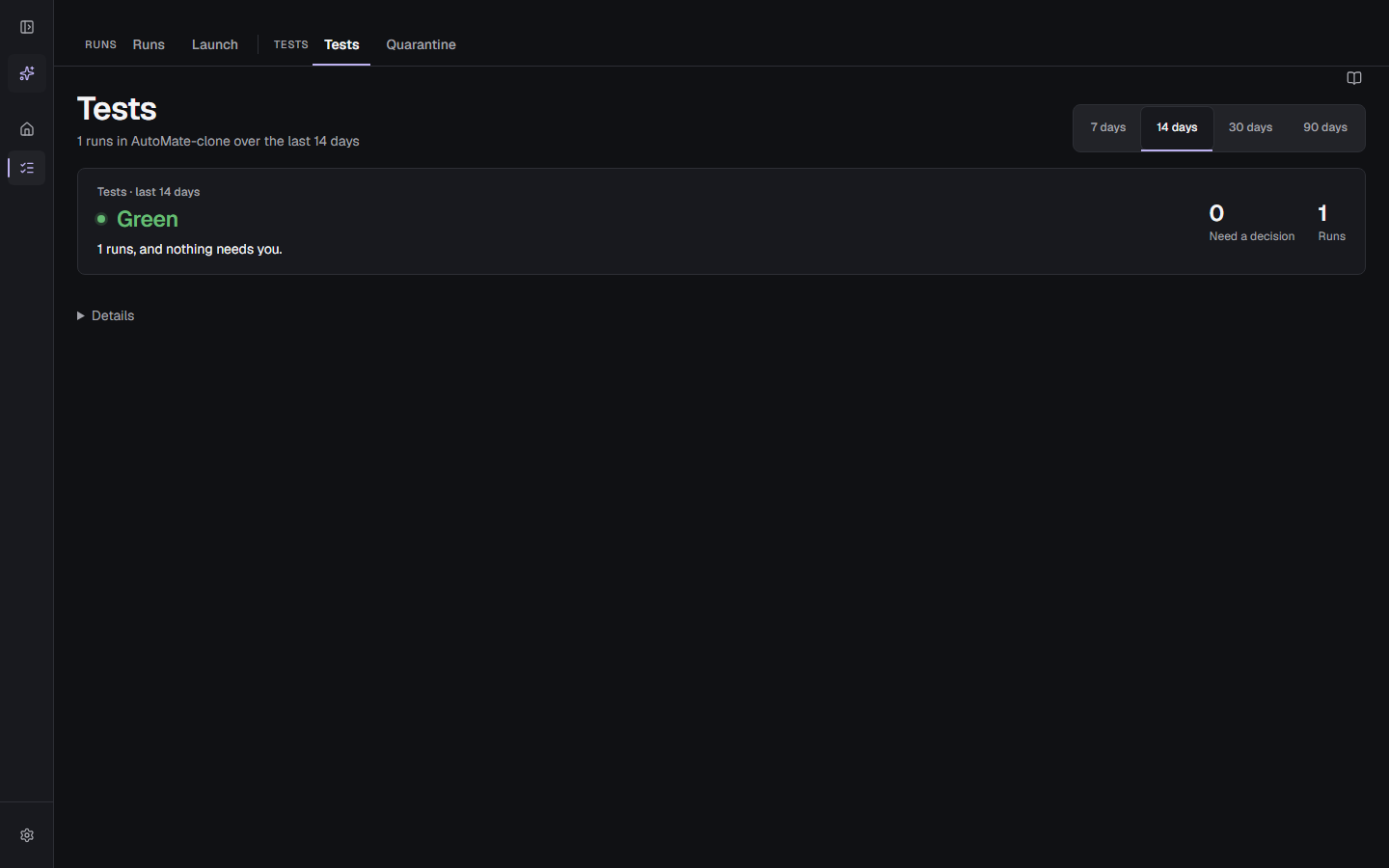
How it works
Connect. Forget it. Ship.
- 01
Connect
Point it at your repo and CI. Two minutes.
Install - 02
Lupin watches
Every run, flaky test and health signal, as you ship.
What it reads - 03
You decide
One thing first. One click to retry or quarantine.
Gates and quarantine
Get started
Three commands.
- 01
- 02
Send a test run
lupin test --format playwright-json --report results.json -- npx playwright test --reporter=jsonWraps your test command and uploads the result.
- 03
Gate the pull request
lupin gate --branch "$BRANCH" --commit "$SHA" --pr 42Fails CI when the gate fails.
Lupin